Microsoft 365: New Setting for Data Location – Check by December 14, 2026
Microsoft is introducing a new tenant setting that determines whether your Microsoft 365 customer data remains stored in Switzerland or may be stored regionally ...
Artificial intelligence is shaping today’s economy like almost no other technology, which is why nearly every executive suite feels the urgency to address this issue. But as soon as theoretical enthusiasm is supposed to give way to pragmatic projects, a great deal of digital uncertainty often becomes apparent in practice. When we ask companies where they’d like to implement automation, we’re usually met with the counter-question: “Well, what can the technology actually do for us?” A successful, goal-oriented use of AI in a company, however, must never start with the hype but must instead focus on business value.
The current market offers countless tools, ranging from intelligent language models to highly complex analytics platforms. It’s therefore understandable, especially for medium-sized businesses, that they find it difficult to navigate this landscape and that fears are growing about making poor investments or falling behind technologically. But large enterprises also face these challenges. At its core, AI is not a finished product that you simply buy, install, and then immediately expect revolutionary results from. Rather, it functions like a flexible infrastructure that must align precisely with your company’s DNA, your employees, and, above all, your existing data landscape. Skipping this strategic step results in isolated digital solutions that ultimately create more administrative work than they were intended to save.
To provide tangible relief in day-to-day business operations, we divide the available Microsoft solutions for our customers into two clear and complementary categories.
On one hand, there is standardized support in the workplace, which Microsoft has integrated directly into everyday office applications with Microsoft 365 Copilot. This form of assistance steps in precisely where valuable work time is lost to repetitive routine tasks. The assistant reads pages of email threads in a matter of seconds, filters out the most important key points, drafts replies, or reorganizes disorganized notes into professional meeting minutes. Since the tool operates within the familiar Office environment, there’s no need for lengthy training sessions, resulting in a noticeable increase in your workforce’s personal productivity from day one. Microsoft 365 Copilot also enables the use of custom agents that take on tasks for employees.
On the other hand, there is the world of customized solutions, which can be implemented using Microsoft Azure “AI” services (a kind of modular approach). This path is always the right choice when standardized products or solutions reach their limits because highly specific processes or protected company data are involved.
For example, if you want to optimize your supply chains using data, calculate precise sales forecasts for procurement, or integrate an intelligent customer service bot into your website, Azure AI services provide the technological foundation. You can also connect Microsoft 365 Copilot to Azure services and use Microsoft Copilot as an input interface.
This Azure toolkit is collectively known as “Microsoft Foundry”. With it, companies can build and manage their own AI assistants and intelligent workflows. Essentially, you can think of it as a control center for corporate AI. The system essentially performs three tasks:
The decision between off-the-shelf software and a custom-developed AI platform presents a strategic challenge for many executives. To provide you with clear guidance, we’re happy to discuss this with you.
The theoretical distinction sounds logical, but how does it play out in real-world work scenarios? Let’s look at two typical scenarios from the day-to-day operations of a Swiss mid-sized company to illustrate the difference.
Imagine a trust office where employees have to respond to dozens of complex client emails and draft meeting minutes every day. This is where Microsoft Copilot comes into play. At the click of a button, the assistant analyzes the email history to date and drafts a precise response. This saves each employee valuable minutes every day, which can instead be spent on personal consultations. Copilot uses the data that’s already there and streamlines office workflows.
Now let’s consider a manufacturing facility with a large spare parts warehouse. Customers place orders via a dedicated web platform, and the system must predict (based on historical order data, seasonal trends, and current supplier lead times) which parts might become scarce in the coming month. This is where a standard assistant alone reaches its limits, which is why we rely on a fully customized solution or an intelligent combination of standard and customized solutions in this scenario. To do this, we integrate directly with your ERP system. Together, we then define how and when data is collected, how communication flows, and which automatic follow-up actions the system should trigger. As a valuable addition, your employees can also initiate manual data queries at any time with complete flexibility via the Copilot Chat.
These two approaches are by no means mutually exclusive. Many forward-thinking mid-market companies choose a hybrid approach by starting with Copilot to achieve quick wins in day-to-day office operations. In a second step, they expand the system in a targeted manner using connectors to make deeply embedded corporate knowledge accessible to the AI. This way, the technology grows organically with your requirements and doesn’t overwhelm either your IT infrastructure or your employees.
The biggest pitfall in implementing intelligent systems lies not in the technology itself, but in a lack of governance and unstructured data sharing.
When a digital assistant is activated, it accesses the semantic index of your cloud. In plain language, this means that the AI sees everything that the respective user is theoretically allowed to see. If your permission models on SharePoint or Teams have grown organically over the past few years and haven’t been properly maintained, sensitive salary data or internal contracts may suddenly appear in employees’ search results.
Upon request, we’ll analyze in advance how your data structures are organized in the Microsoft 365 cloud or in third-party systems. We’ll review compliance requirements, adjust security configurations as needed, and define a clear governance strategy. This ensures that innovation and data security go hand in hand without compromise, and that your sensitive corporate assets remain optimally protected.
In summary, artificial intelligence is no longer merely an IT project but a strategic management decision that affects your entire corporate DNA. Successful AI implementation in your company requires that you not be blinded by technical jargon, but rather identify the specific bottlenecks within your departments. Whether Microsoft 365 Copilot ultimately suffices for day-to-day office work or whether customized Azure Services automate your core processes is secondary. What matters most is that the foundation of your data structure is secure, clean, and configured for the future. If you consistently focus on business value and actively engage your workforce in this journey, a technological trend will turn into a measurable competitive advantage.
Would you like to cut through the fog surrounding AI and discover where the greatest opportunities lie within your business? Trust our expertise as an experienced Microsoft Partner: Book a free initial consultation with us now.
Subscribe to our blog and never miss a post again. We will not spam you, but only inform you about new posts.
Microsoft is introducing a new tenant setting that determines whether your Microsoft 365 customer data remains stored in Switzerland or may be stored regionally ...
Modern cloud security requires constant adaptation. To keep interfaces future-proof, high-performing, and resilient against attacks, Microsoft is phasing out outdated protocols. Specifically, this affects ...
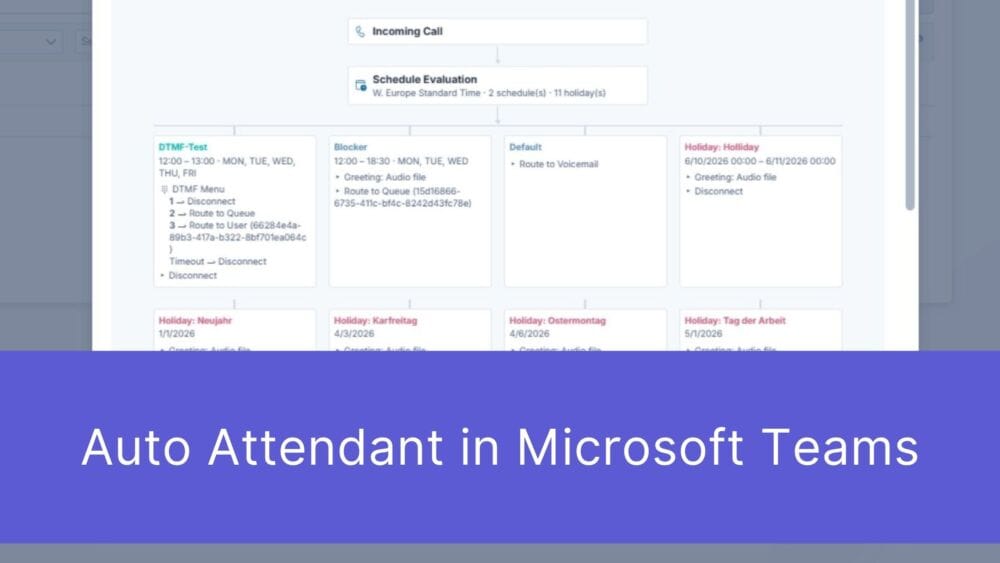
First impressions matter – and that’s truer than ever in the digital age. When a potential customer picks up the phone to contact your ...

The digital landscape is changing rapidly, and Swiss companies face enormous challenges. Storing data exclusively within the country or maintaining complete control over every ...
Book a Microsoft Teams meeting appointment with Christoph Schoch. After booking, you will receive an appointment invitation. There you will find a link for the Teams meeting. Of course you can also send us an e-mail or call us directly.
If you have any questions, please use our Help Centre and/or open a ticket for your request.