Microsoft 365: New Setting for Data Location – Check by December 14, 2026
Microsoft is introducing a new tenant setting that determines whether your Microsoft 365 customer data remains stored in Switzerland or may be stored regionally ...
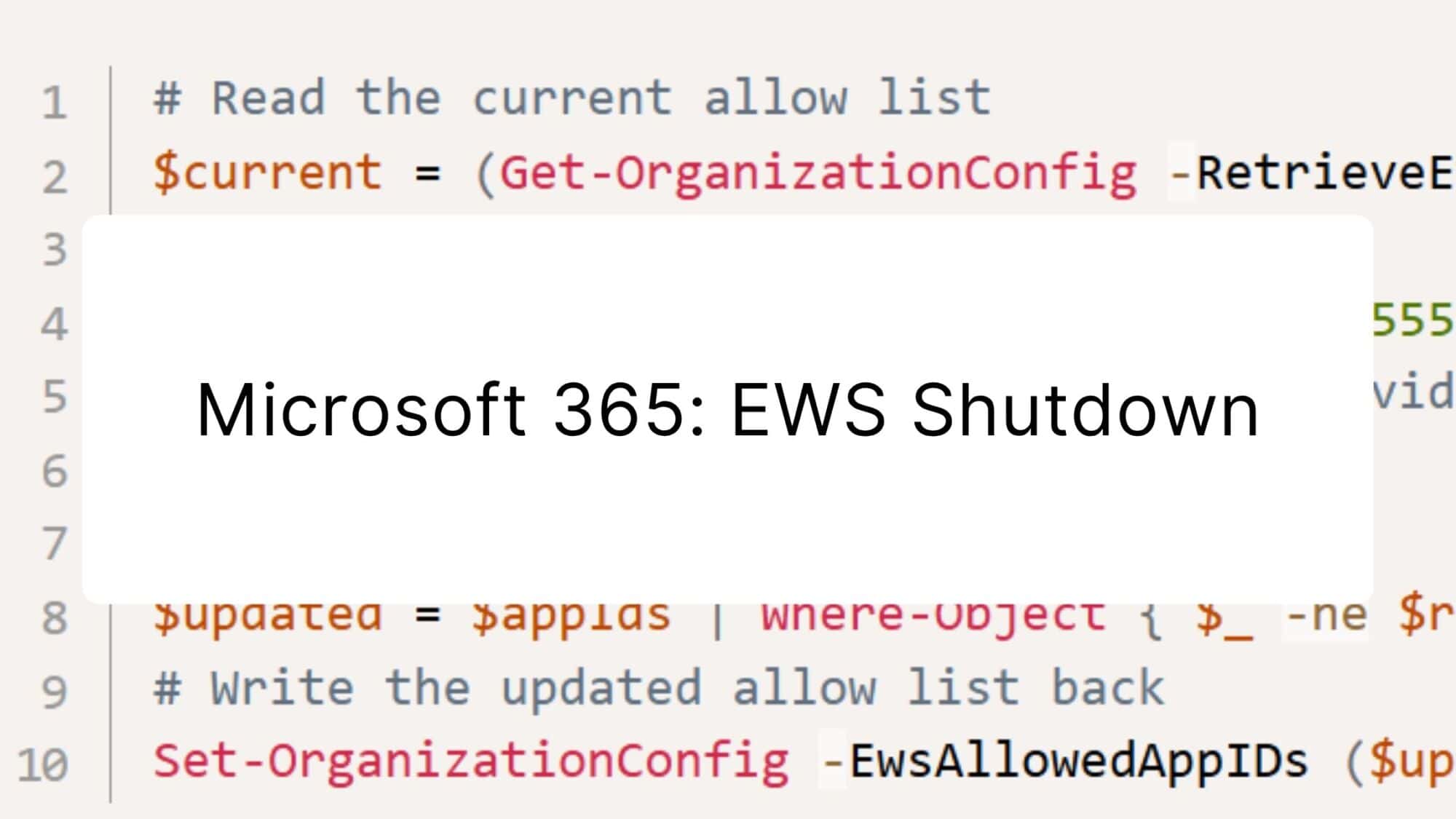
Modern cloud security requires constant adaptation. To keep interfaces future-proof, high-performing, and resilient against attacks, Microsoft is phasing out outdated protocols. Specifically, this affects Exchange Web Services (EWS): Microsoft will disable standard access via EWS in Exchange Online as of October 1, 2026. For IT departments, this means action is needed – especially regarding third-party tools, legacy scripts, and older email clients. Learn everything about the Microsoft 365 EWS shutdown in this blog post.
To prevent business-critical legacy tools from being shut down overnight, Microsoft provides a temporary control mechanism: Admins can reactivate access via Exchange Online PowerShell, but must maintain an allowlist with specific app IDs (EwsAllowedAppIDs). This allows access to be restricted specifically to selected programs until no later than the end of March 2027. Microsoft provides further details and syntax examples in the Exchange Team Blog post on the EWS shutdown.
A particularly tricky special case concerns macOS environments: The well-known “Legacy Outlook for Mac” is based entirely on the deprecated EWS interface. Since Microsoft excludes this client from the administrative exception lists, synchronization is at risk of stopping immediately as early as October 1, 2026. The old Outlook for Mac therefore does not benefit from the extension option through 2027.
Affected users must migrate to the “New Outlook for Mac” (switch in the upper-right corner of the app) before October 2026. This client communicates via modern interfaces such as Microsoft Graph. For more information, see the Microsoft support article: End of Support for Legacy Outlook for Mac.
To avoid any unpleasant surprises with your email flows or connections starting in October 2026, it’s worth conducting an early assessment. Follow these steps to ensure your environment is on the safe side in time:
EwsAllowedAppIDsin case you are unable to migrate individual systems by October 2026.This article was created with the assistance of AI and its content was reviewed by TwinCap First AG.
Subscribe to our blog and never miss a post again. We will not spam you, but only inform you about new posts.
Microsoft is introducing a new tenant setting that determines whether your Microsoft 365 customer data remains stored in Switzerland or may be stored regionally ...
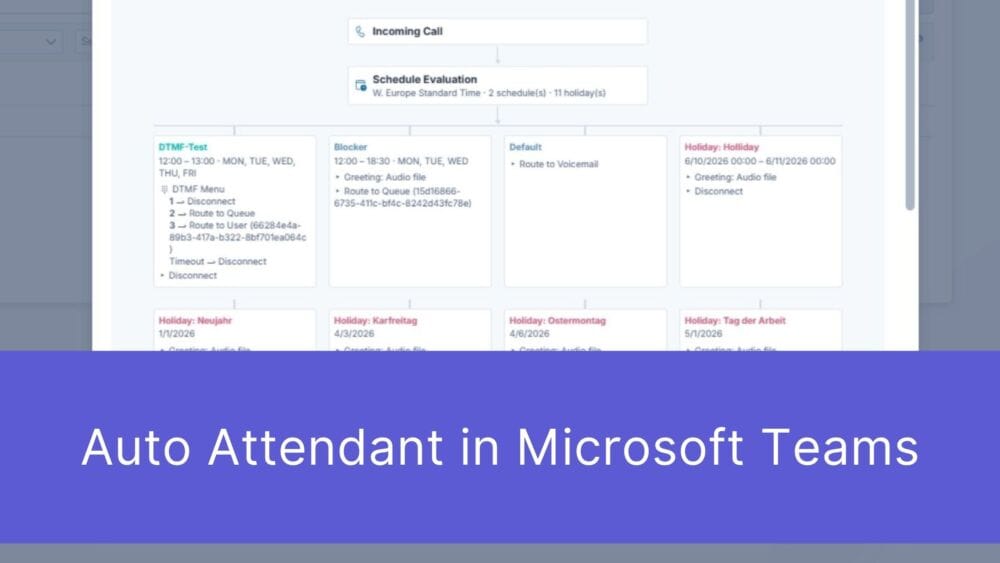
First impressions matter – and that’s truer than ever in the digital age. When a potential customer picks up the phone to contact your ...

The digital landscape is changing rapidly, and Swiss companies face enormous challenges. Storing data exclusively within the country or maintaining complete control over every ...

Anyone who makes calls using Microsoft Teams is probably familiar with this situation: The phone rings, but instead of a name, only a phone ...
Book a Microsoft Teams meeting appointment with Christoph Schoch. After booking, you will receive an appointment invitation. There you will find a link for the Teams meeting. Of course you can also send us an e-mail or call us directly.
If you have any questions, please use our Help Centre and/or open a ticket for your request.