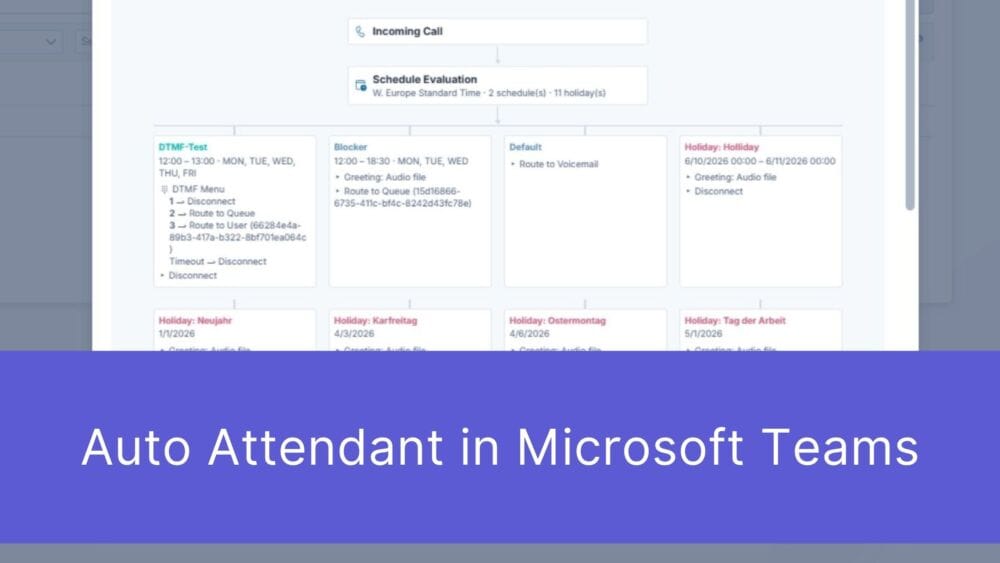
Auto Attendant in Microsoft Teams: Why Standard Telephony Isn’t Enough for Professional Customer Service
First impressions matter – and that’s truer than ever in the digital age. When a potential customer picks up the phone to contact your ...
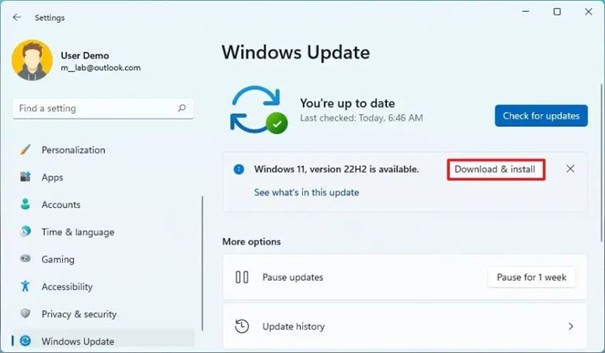
Did you know that the end of Windows 10 is approaching? Support for Microsoft Windows 10 will end on October 14, 2025, which means no more security updates and no more technical support! But don’t panic – we’ll show you how to prepare for this quickly and easily.
Microsoft is focusing on progress! Windows 11 is a modern, more secure operating system with cool new features. The end of Windows 10 should motivate you to take the next step and benefit from the advantages of the new technology.
Here are the most important facts:
Just do it! Check if your devices are compatible. Go to Settings > Privacy & Security > Windows Update and see if you can upgrade for free.
If you use Intune, you can also automate these tasks. If you are interested in the topic of Modern Workplace, please contact us.
If your current devices are not compatible, this is the time to upgrade! New devices have Windows 11 pre-installed and are more powerful. We offer you support and are happy to provide you with offers for the latest hardware.
Does your company need more time? No problem – Microsoft offers extended security updates for a fee.
An up-to-date operating system means:
Conclusion: Act now and stay on the safe side. The end of Windows 10 is an opportunity to start again. Whether by upgrading, buying new hardware or using ESU – make your decision now and be well prepared! Do you have any questions? We’re here for you! Together we’ll make your transition stress-free and successful.
Subscribe to our blog and never miss a post again. We will not spam you, but only inform you about new posts.
First impressions matter – and that’s truer than ever in the digital age. When a potential customer picks up the phone to contact your ...

The digital landscape is changing rapidly, and Swiss companies face enormous challenges. Storing data exclusively within the country or maintaining complete control over every ...
Anyone who makes calls using Microsoft Teams is probably familiar with this situation: The phone rings, but instead of a name, only a phone ...

A few weeks ago, we’ve been discussing an uncomfortable truth: Purchasing a Microsoft license is by no means a “Modern Work” strategy. A license ...
Book a Microsoft Teams meeting appointment with Christoph Schoch. After booking, you will receive an appointment invitation. There you will find a link for the Teams meeting. Of course you can also send us an e-mail or call us directly.
If you have any questions, please use our Help Centre and/or open a ticket for your request.