Microsoft 365: New Setting for Data Location – Check by December 14, 2026
Microsoft is introducing a new tenant setting that determines whether your Microsoft 365 customer data remains stored in Switzerland or may be stored regionally ...
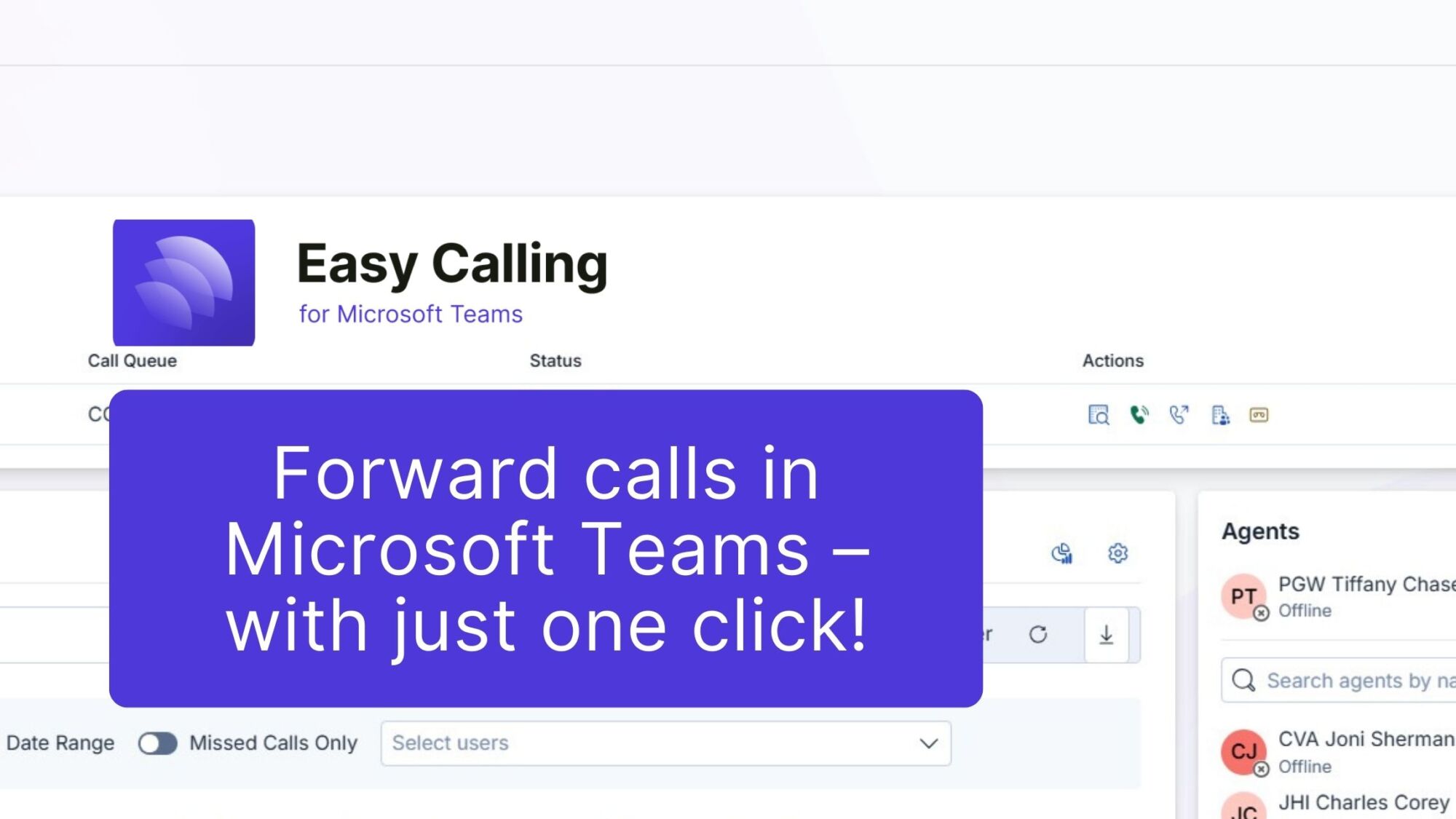
Phone calls are the backbone of many businesses. Customers, partners, or colleagues pick up the phone when they need quick answers or support. It is precisely in these moments that it is decided whether the contact will be professional and efficient – or whether frustration will result. But the reality is often different. A call comes in. The wrong person answers. The call takes too long to be forwarded. Or even worse: The call is lost. This costs time, nerves, and in the worst case, customers. Microsoft Teams telephony already offers call forwarding options, but these are often complicated and not very intuitive. Multiple clicks, long search lists, lack of transparency. This is where the Easy Calling add-on from TwinCap First comes in. Forwarding calls is now easier than ever!
Easy Calling transforms Microsoft Teams into a powerful contact center. Compact, efficient, and ready to use right away. No external platforms. No complicated systems. Everything happens right where your team works anyway: In Microsoft Teams.
Call forwarding in Microsoft Teams is now easier than ever. With Easy Calling, you can forward incoming calls with just one click. No tedious clicking through, no searching.
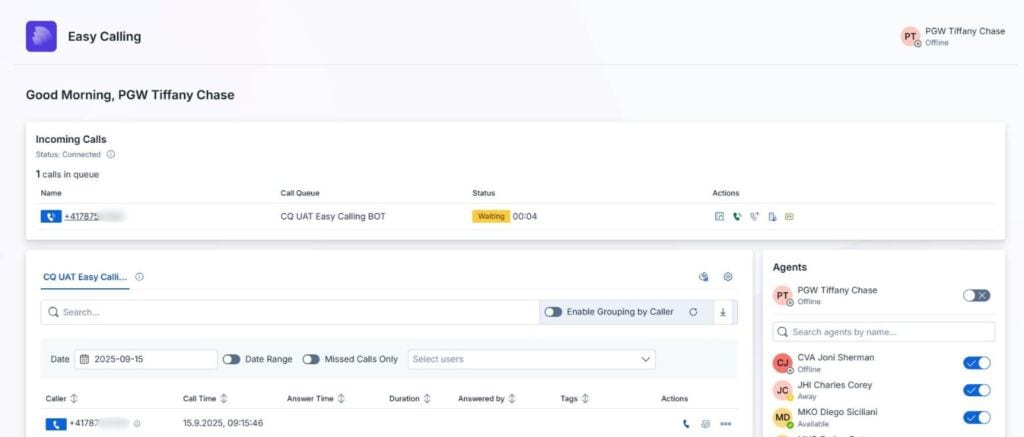
You have three options for call forwarding in Easy Calling:
What makes it special: Easy Calling allows you to forward calls not only during active conversations. You can also forward calls directly from the queue. This ensures maximum flexibility. Imagine this: A customer first lands in support. But you immediately realize that the request actually belongs in sales. One click – and the call is transferred to the right team. No waiting. No frustration.
By the way: With another add-on from us (Easy Directory), caller ID is also very easy. Integrate your CRM, Search.ch for Switzerland, and shared mailboxes into Easy Calling and simplify call management even further!

Fast call forwarding saves time. And time is worth its weight in gold when it comes to direct customer contact. Every second less waiting time increases satisfaction. Every clear handover reduces misunderstandings.
At the same time, the function takes the pressure off your employees. They don’t have to think long about how to forward a call. They just click – and that’s it. This reduces stress and increases professionalism within the team.
Small and medium-sized businesses in particular benefit from simple call forwarding. Employees there often take on several roles at once. Sometimes support, sometimes sales, sometimes back office. In such structures, simple forwarding is crucial.
But Easy Calling can do much more than just forward calls. Call forwarding is only part of the picture. The real added value lies in transparency.
Live dashboard for an instant overview: In the live call dashboard, you can see all active calls at any time. You can immediately see how many calls are in the queue. And you can see which agents are available. This enables a quick response. Your team is never flying blind. Instead, they have all the information they need in real time.
Efficient call management: Easy Calling combines classic telephony with modern intelligence. Calls are distributed automatically. Queues can be managed clearly. A waiting time meter shows you exactly how long a customer has been waiting. And with Quick Actions, it’s even faster: Send e-mails, take notes, create tasks, and save contacts—all possible in the dashboard or directly during the call. No need to switch systems.
Analysis for better decisions: Another highlight is the integrated call analysis. You can see how many calls are coming in. You can identify patterns in call duration. And you can track how many calls are handled per hour. This data helps you plan your resources better. You know when peak times are. You can see if your team is overloaded. And you can take targeted countermeasures.
Voicemail that is truly integrated: Voicemails are also professionally integrated. Easy Calling offers personalized greetings, instant notifications for new messages, and secure voicemail recordings. This puts an end to lost information. Your team remains available even outside office hours.
Real-time notifications: Another plus – the notification system. Easy Calling delivers interactive messages directly to the Teams client. No delays. No e-mail detours. This keeps your team responsive at all times. Calls and messages land exactly where work is being done.
International collaboration without barriers: Easy Calling is multilingual. The interface, notifications, and time formats adjust automatically. Teams in different regions can collaborate immediately.
One-click call forwarding is more than just a convenient feature. It makes the difference between a satisfied customer and a lost contact. Easy Calling brings precisely this simplicity to Microsoft Teams. It also offers transparency, analysis, voicemail, and secure configuration. Everything is compact, efficient, and Swiss Made. The add-on is a real asset for small and medium-sized businesses. No lengthy training sessions. No additional systems. Just get started and reap the benefits right away. Microsoft Teams becomes the control center for your calls. And your team works faster, more securely, and more professionally.
Forward calls easily with Easy Calling – your contact center in Microsoft Teams. Compact. Fair. Swiss Made.
Subscribe to our blog and never miss a post again. We will not spam you, but only inform you about new posts.
Microsoft is introducing a new tenant setting that determines whether your Microsoft 365 customer data remains stored in Switzerland or may be stored regionally ...
Modern cloud security requires constant adaptation. To keep interfaces future-proof, high-performing, and resilient against attacks, Microsoft is phasing out outdated protocols. Specifically, this affects ...
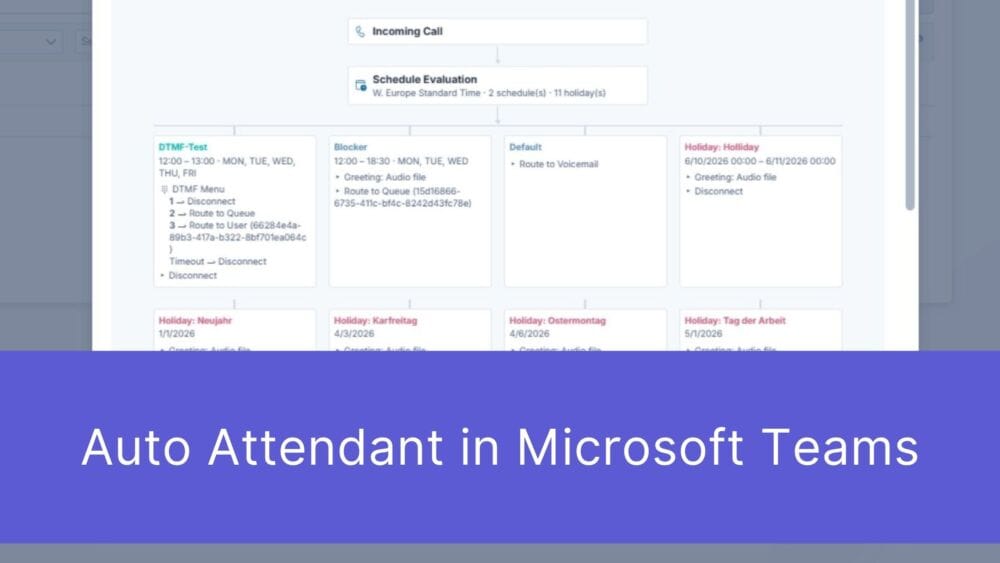
First impressions matter – and that’s truer than ever in the digital age. When a potential customer picks up the phone to contact your ...

The digital landscape is changing rapidly, and Swiss companies face enormous challenges. Storing data exclusively within the country or maintaining complete control over every ...
Book a Microsoft Teams meeting appointment with Christoph Schoch. After booking, you will receive an appointment invitation. There you will find a link for the Teams meeting. Of course you can also send us an e-mail or call us directly.
If you have any questions, please use our Help Centre and/or open a ticket for your request.