Microsoft 365: New Setting for Data Location – Check by December 14, 2026
Microsoft is introducing a new tenant setting that determines whether your Microsoft 365 customer data remains stored in Switzerland or may be stored regionally ...
The cloud is standard today. But even in the cloud, the same rule applies: without backup, there is no complete protection. Microsoft 365 offers many advantages – flexibility, scalability, collaboration. But there is one thing Microsoft does not take care of: responsibility for your data. Many companies assume that their information is automatically backed up as soon as it is stored in the cloud. But that is a dangerous illusion. Data can be accidentally deleted, encrypted by ransomware, or lost due to misconfigurations. And that’s when the importance of an independent backup becomes clear. The cloud ensures availability, but not recoverability. Only a professional backup for Microsoft 365 guarantees that you can retrieve your data at any time – no matter what happens.
Microsoft ensures that its services work. But if something goes wrong – whether due to human error, malware, or organizational changes – the responsibility lies with you.
An example: An employee accidentally deletes a folder in OneDrive. After 30 days, it is gone for good. Or you want to access old Teams data months later. Without a backup? Difficult to impossible.
Legal requirements also play a role. Many companies have to store data for years – Microsoft only does this to a limited extent. And if data is encrypted by ransomware or damaged by sync errors, there is only one thing that helps: a reliable, external backup.
Finally, Microsoft Teams is often underestimated when it comes to data security. Veeam uses special Teams APIs to specifically back up chats, channels, files, and settings. This ensures that your daily collaboration is fully protected – from chat messages to file storage.
These 6 reasons show you why your company should not do without a backup for Microsoft 365:

With Veeam Backup for Microsoft 365 from TwinCap First, you get a modern, scalable, and secure solution – operated in a Swiss data center. So your data stays where it belongs: in Switzerland.
Our service is based on the principle of “Backup as a Service” (BaaS). This means: You use Veeam’s powerful technology while we take care of all the technical aspects – including operation, monitoring, and recovery. No infrastructure of your own, no maintenance, no worries.
Our system backs up Exchange Online, SharePoint Online, OneDrive for Business, and Microsoft Teams (channels and files). The data is encrypted and stored daily in the Microsoft data center in Zurich.
Retention time? Ten years as standard. You remain in control and, in an emergency, everything can be restored quickly. Customers can access the restore portal on request.
The same applies in the cloud: data backup is essential. With our Veeam Backup for Microsoft 365, you can comprehensively back up your company data – automatically, reliably, and accessible at any time (see above, access to the Restore Portal can be granted via TwinCap First). This protects you from data loss, cyberattacks, or accidental deletion, while also meeting the highest data protection standards.
Here are the most important advantages at a glance:
1. Reliable and secure: Veeam has been synonymous with stability and performance for years. Your data is protected on multiple levels – locally, in the cloud, and redundantly if desired.
2. Easy management: You don’t have to worry about a thing. Our team of experts monitors and maintains your backup system reliably and transparently. And best of all, you always have a point of contact – an experienced team of experts who provide you with personal support.
3. Scalable: Is your company growing? No problem. With our service, you can flexibly adjust capacities – without technical modifications.
4. Cost-efficient: You only pay for what you really need. No investments in hardware, no ongoing maintenance costs. Everything is included in the service package.
5. Search functions (eDiscovery): Are you looking for a specific email or file? With Veeam Backup for Microsoft 365, that’s no problem. Thanks to powerful search functions, you can find data quickly and restore it in a targeted manner – without any IT effort (see above, access to the restore portal can be granted via TwinCap First).
5. Compliance & control: Whether internal guidelines or legal requirements: Our backup solution allows you to easily comply with retention periods and data protection requirements. Our solution is based on state-of-the-art technology and Swiss quality. Backups are performed automatically every day, transferred in encrypted form, and stored in Zurich. This means your company not only remains GDPR-compliant, but also meets the strict Swiss data protection requirements.
Microsoft 365 offers availability. TwinCap First ensures security, control, and recoverability. With Veeam Backup for Microsoft 365, you can protect your company from data loss, cyberattacks, and human error – easily, reliably, and fully automatically. Your data. Your responsibility. Our solution.
Make an appointment now and find out how easy professional backup can be.
Subscribe to our blog and never miss a post again. We will not spam you, but only inform you about new posts.
Microsoft is introducing a new tenant setting that determines whether your Microsoft 365 customer data remains stored in Switzerland or may be stored regionally ...
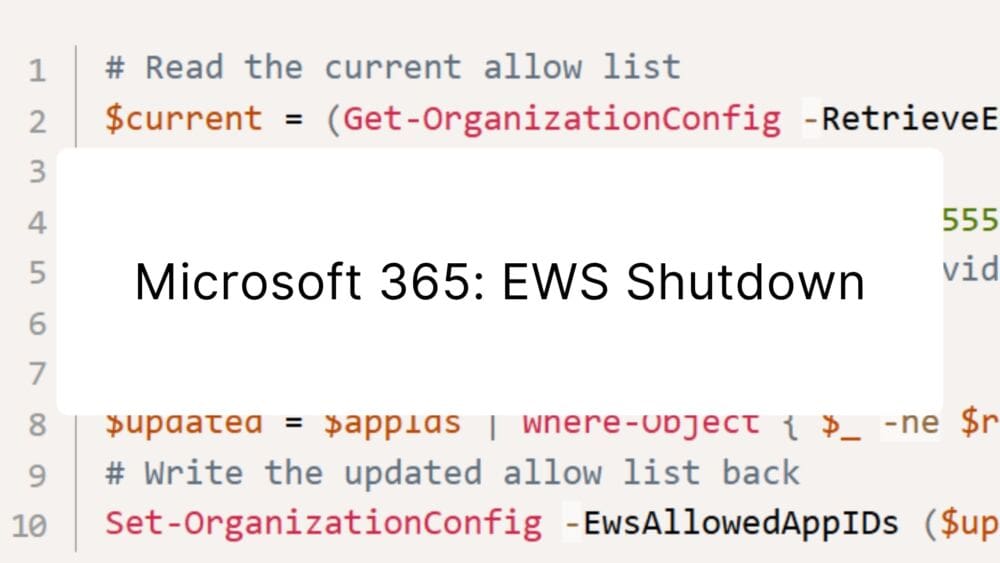
Modern cloud security requires constant adaptation. To keep interfaces future-proof, high-performing, and resilient against attacks, Microsoft is phasing out outdated protocols. Specifically, this affects ...
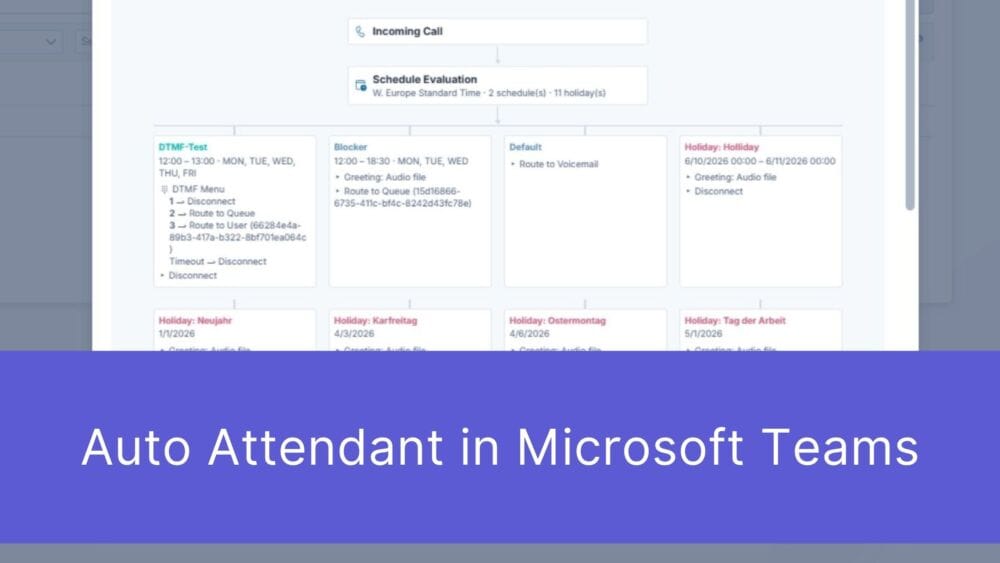
First impressions matter – and that’s truer than ever in the digital age. When a potential customer picks up the phone to contact your ...

The digital landscape is changing rapidly, and Swiss companies face enormous challenges. Storing data exclusively within the country or maintaining complete control over every ...
Book a Microsoft Teams meeting appointment with Christoph Schoch. After booking, you will receive an appointment invitation. There you will find a link for the Teams meeting. Of course you can also send us an e-mail or call us directly.
If you have any questions, please use our Help Centre and/or open a ticket for your request.